
Stay Informed with the WeFixIt Blog
Explore the latest insights, tips, and trends in phone repair, technology, and gadget care on the WeFixIt Blog. Dive into informative articles
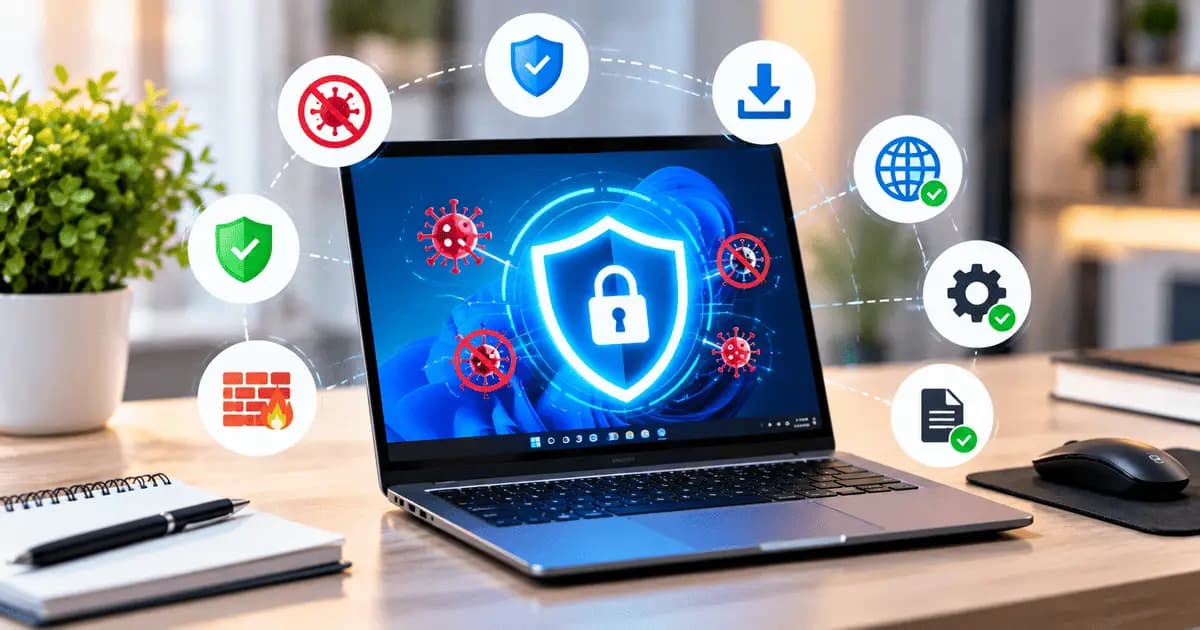
Protect Your Laptop From Viruses and Malware
How to Protect Your Laptop From Viruses and MalwareLaptops are used for work, study, entertainment, banking, and many other daily activities. Because ...
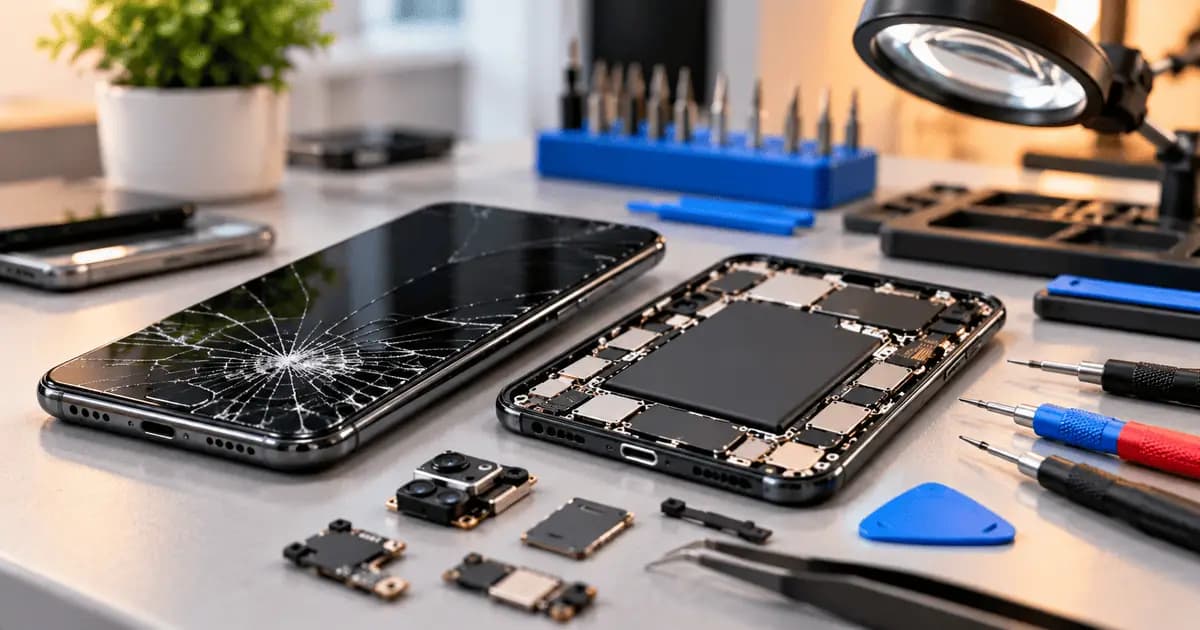
10 Common Phone Problems and How to Fix Them
10 Common Phone Problems and How to Fix ThemSmartphones are an important part of our everyday lives, but they can develop different problems over time...
All Blogs
Explore all our articles and tips
Protect Your Laptop From Viruses and Malware
How to Protect Your Laptop From Viruses and MalwareLaptops are used for work, study, entertainment, banking, and many other daily activities. Because we regularly download files and browse the internet, laptops can be exposed to viruses, malware, and other security threats.The good news is that following a few simple security practices can significantly reduce the risk of your laptop becoming infected.Keep Your Operating System UpdatedSoftware updates often include important security fixes that protect your laptop from newly discovered threats.Make sure Windows, Linux, or macOS is regularly updated. Avoid ignoring security updates for long periods.Use Reliable Antivirus SoftwareA trusted antivirus or built-in security solution can detect and block many common threats.Keep your security software enabled and make sure its virus definitions are updated. Avoid installing multiple unknown antivirus programs, as they can sometimes cause performance or compatibility issues.Download Software From Trusted SourcesDownloading applications from unknown websites is one of the common ways malware can enter a laptop.Whenever possible, download software from the developer's official website or a trusted application store. Avoid pirated software, cracked programs, and suspicious installers.Be Careful With Email AttachmentsMalicious files can sometimes be delivered through email attachments or links.Do not open unexpected attachments, especially executable files or documents from unknown senders. If an email looks suspicious, verify the sender before opening anything.Avoid Suspicious LinksCybercriminals may use fake links to steal information or install malicious software.Before clicking a link, check the website address carefully. Be particularly cautious with links received through unknown emails, messages, or social media accounts.Enable Your FirewallA firewall can help control unwanted network connections and provide an additional layer of protection.Make sure your laptop's built-in firewall is enabled. Avoid disabling it unless you have a specific reason and understand the security implications.Keep Your Browser UpdatedWeb browsers are frequently targeted by security threats. Updates can fix vulnerabilities and improve protection against malicious websites.Use the latest version of your preferred browser and avoid installing unnecessary browser extensions.Use Strong PasswordsWeak or reused passwords can make it easier for attackers to access your accounts.Use unique passwords for important accounts and enable two-factor authentication whenever it is available. A password manager can also help you securely manage multiple passwords.Back Up Your Important FilesEven with good security practices, no system is completely risk-free. Malware or hardware failure can result in data loss.Regularly back up important documents, photos, projects, and other files to a trusted cloud service or external storage device.What to Do If You Think Your Laptop Has a VirusIf your laptop suddenly becomes extremely slow, displays unusual pop-ups, crashes frequently, or shows unfamiliar applications, it may be worth checking for malware.Disconnect from the internet if you suspect an active infection, run a full security scan, and remove suspicious software. Avoid entering passwords or sensitive information until the device has been checked.Final ThoughtsProtecting your laptop from viruses does not require complicated steps. Keeping your software updated, using reliable security tools, downloading applications from trusted sources, and being careful with links and email attachments can greatly improve your laptop's security.Regular backups and strong passwords provide additional protection for your important data. A few simple habits can help keep your laptop safer while you browse, work, and download files online.
10 Common Phone Problems and How to Fix Them
10 Common Phone Problems and How to Fix ThemSmartphones are an important part of our everyday lives, but they can develop different problems over time. From battery issues to cracked screens, some problems can be fixed with simple troubleshooting, while others require professional phone repair.Here are 10 common phone problems and what you can do about them.1. Battery Draining QuicklyIf your phone battery is running out much faster than usual, background apps, high screen brightness, poor network signal, or an aging battery could be the reason.Try closing unnecessary apps, reducing brightness, and checking battery usage. If the problem continues, the battery may need to be replaced.2. Phone OverheatingPhones can become warm during gaming or charging, but excessive heating can indicate a problem.Heavy applications, poor battery health, faulty chargers, or background processes can cause overheating. If your phone becomes extremely hot during normal use, consider getting it checked by a professional.3. Phone Not ChargingA phone that does not charge may have a damaged cable, faulty adapter, dirty charging port, or battery problem.Try another compatible charger and carefully check the charging port. If it still does not charge, the charging port or battery may require repair.4. Cracked ScreenAccidental drops are one of the most common causes of phone damage. A cracked screen can affect the display and touchscreen.If you notice lines, black spots, flickering, or touch problems after a drop, the display may need to be replaced.5. Touchscreen Not WorkingA touchscreen may stop responding because of physical damage, moisture, software problems, or a faulty digitizer.Restart the phone and make sure the screen is clean and dry. If certain areas remain unresponsive, professional repair may be necessary.6. Phone Restarting AutomaticallyRandom restarts can be caused by software bugs, overheating, low storage, battery problems, or hardware issues.Try updating the software and removing recently installed apps. If the problem continues, the phone should be professionally diagnosed.7. Camera Not WorkingCamera problems can include a black screen, blurry images, autofocus failure, or the camera app crashing.Restart the phone and clean the camera lens. If the camera still does not work, the camera module may need to be inspected.8. Speaker or Microphone ProblemsLow speaker volume, distorted sound, or microphone problems can make calls and voice recordings difficult.Dust, software settings, or damaged components can cause these issues. If basic cleaning and settings checks do not help, professional inspection may be required.9. Phone Running SlowlyA phone can become slow when storage is nearly full or too many apps are running in the background.Remove unnecessary files and apps, clear some storage, and keep your software updated. These simple steps can often improve performance.10. Water DamageWater or other liquids can damage the display, battery, charging port, and internal components.If your phone gets wet, turn it off immediately and avoid charging it. Do not keep turning it on to check if it works. Professional inspection is recommended.When Should You Get Your Phone Repaired?You should consider professional phone repair if your phone has a broken screen, damaged charging port, swollen battery, persistent overheating, water damage, or hardware that is no longer working properly.Trying to repair complex smartphone components without the right tools can cause additional damage.Final ThoughtsMany common phone problems can be identified by their symptoms. Simple issues may be solved with basic troubleshooting, while hardware problems usually require professional repair.Taking care of your phone, using quality accessories, and addressing problems early can help extend its lifespan and prevent expensive repairs.
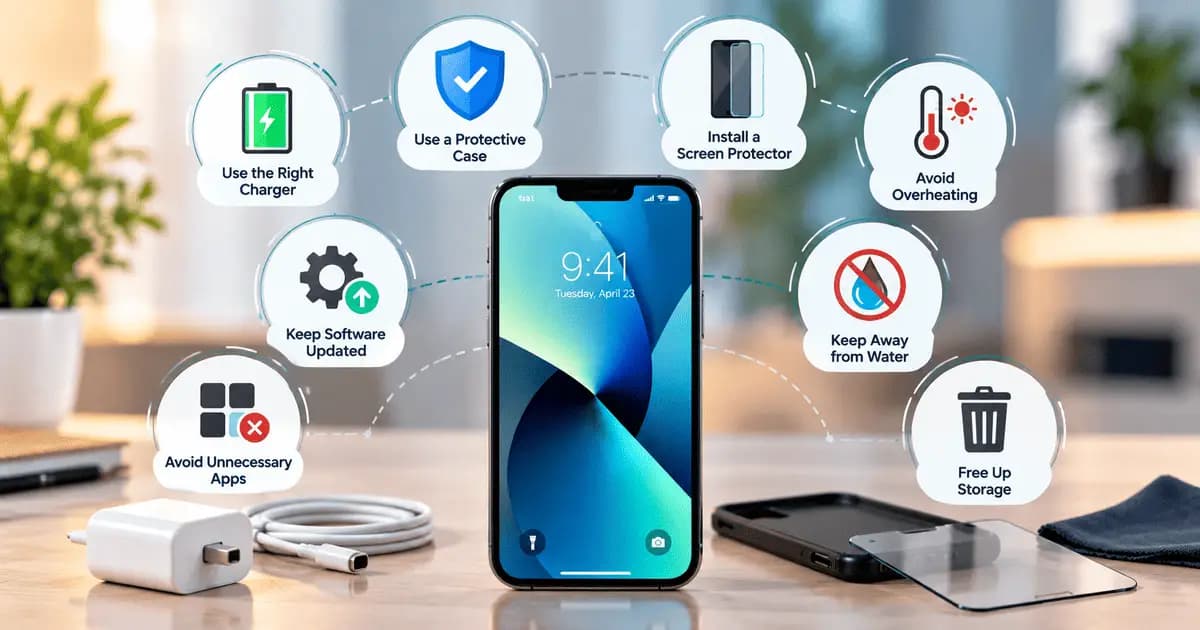
Essential Smartphone Care Tips
Essential Smartphone Care TipsA smartphone is something we use every day for communication, work, entertainment, and many other activities. With regular use, phones can develop battery, screen, charging, and performance problems.Proper care can help keep your smartphone in good condition and reduce the chances of expensive repairs.Keep Your Phone Away From WaterWater and other liquids can damage sensitive internal components. Even phones with water resistance can be affected by prolonged exposure to moisture.Avoid using your phone near water and keep it away from wet environments whenever possible. If your phone gets wet, turn it off and avoid charging it.Use a Good Quality ChargerUsing a poor-quality charger or cable can cause charging problems and may affect the battery over time.Always use a compatible charger from a reliable brand. Avoid damaged cables, loose adapters, or chargers that become unusually hot during use.Protect the ScreenThe screen is one of the most vulnerable parts of a smartphone. A small drop can result in cracks or touchscreen problems.Using a good-quality screen protector and a protective case can reduce the risk of damage from accidental drops and scratches.Avoid Excessive HeatHigh temperatures can affect the battery and other internal components of your phone.Avoid leaving your phone under direct sunlight for long periods. If the phone becomes unusually hot, stop intensive activities such as gaming or video recording and allow it to cool down.Keep Enough Storage SpaceA phone with very little free storage can become slower and may experience performance issues.Regularly remove unnecessary photos, videos, downloads, and unused applications. Keeping some free storage can help your phone run more smoothly.Keep Your Software UpdatedSoftware updates often include security improvements, bug fixes, and performance enhancements.Install official system updates when they become available. Also, keep important applications updated through the official app store.Clean Your Phone RegularlyDust and dirt can collect around the charging port, speakers, microphone, and other openings.Use a soft, dry cloth to clean the exterior of your phone. Avoid using sharp objects or excessive liquid when cleaning the device.Avoid Unnecessary AppsInstalling too many unnecessary applications can use storage, battery, and system resources.Remove applications that you no longer use and avoid downloading apps from unknown or untrusted sources.Handle Your Phone CarefullyDropping or applying excessive pressure to your phone can damage the display, camera, battery, or internal components.Keep your phone in a safe place when you are not using it and avoid carrying it together with sharp objects such as keys.Back Up Important DataEven a well-maintained phone can experience unexpected hardware or software failure.Regularly back up important photos, videos, contacts, documents, and other data to a secure cloud service or another storage device.Final ThoughtsTaking care of your smartphone does not require much effort. Using the right accessories, protecting the screen, avoiding excessive heat and moisture, keeping enough storage available, and updating the software can help maintain your phone's performance.If your phone develops persistent problems such as overheating, battery swelling, charging failure, screen damage, or water damage, professional phone repair is recommended.