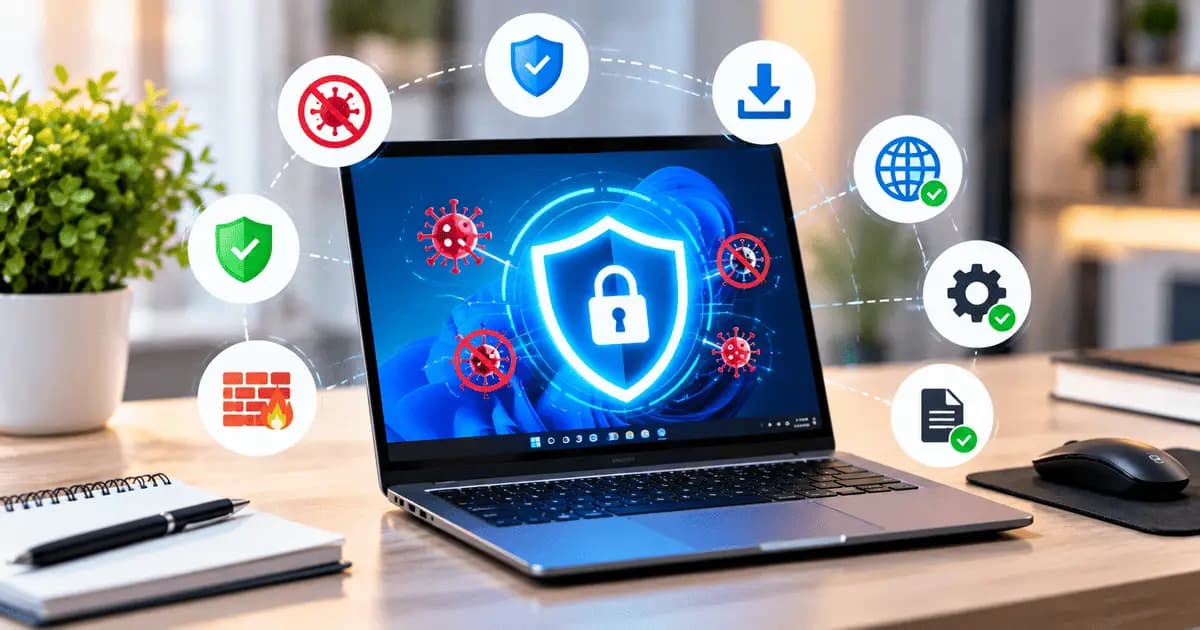
How to Protect Your Laptop From Viruses and Malware
Laptops are used for work, study, entertainment, banking, and many other daily activities. Because we regularly download files and browse the internet, laptops can be exposed to viruses, malware, and other security threats.
The good news is that following a few simple security practices can significantly reduce the risk of your laptop becoming infected.
Keep Your Operating System Updated
Software updates often include important security fixes that protect your laptop from newly discovered threats.
Make sure Windows, Linux, or macOS is regularly updated. Avoid ignoring security updates for long periods.
Use Reliable Antivirus Software
A trusted antivirus or built-in security solution can detect and block many common threats.
Keep your security software enabled and make sure its virus definitions are updated. Avoid installing multiple unknown antivirus programs, as they can sometimes cause performance or compatibility issues.
Download Software From Trusted Sources
Downloading applications from unknown websites is one of the common ways malware can enter a laptop.
Whenever possible, download software from the developer's official website or a trusted application store. Avoid pirated software, cracked programs, and suspicious installers.
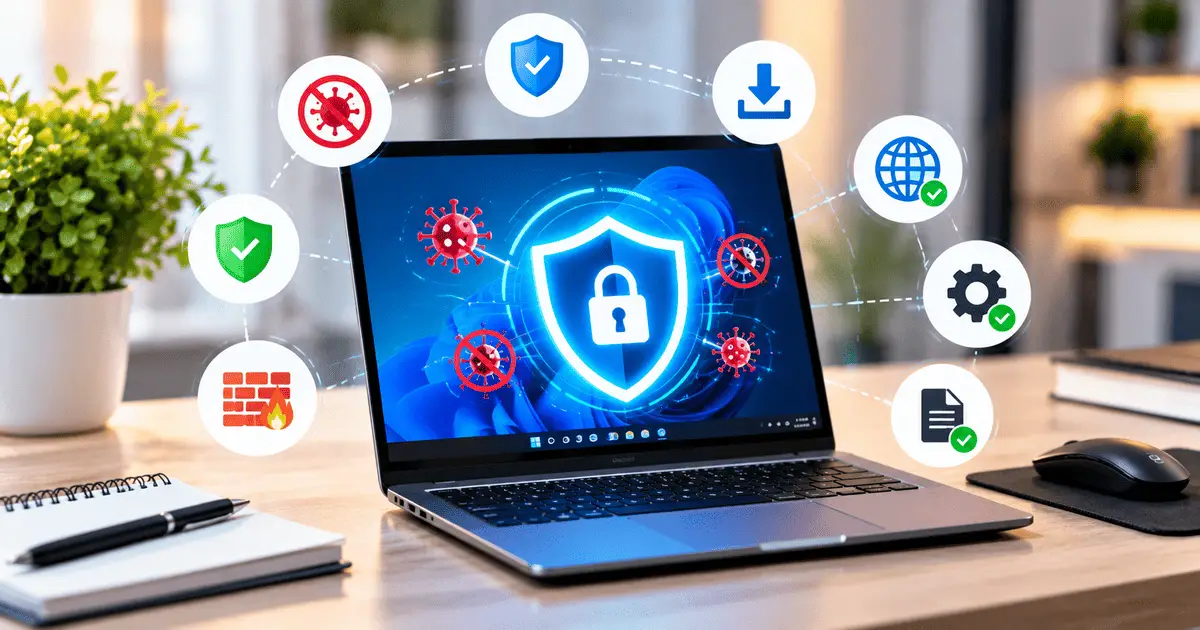
Be Careful With Email Attachments
Malicious files can sometimes be delivered through email attachments or links.
Do not open unexpected attachments, especially executable files or documents from unknown senders. If an email looks suspicious, verify the sender before opening anything.
Avoid Suspicious Links
Cybercriminals may use fake links to steal information or install malicious software.
Before clicking a link, check the website address carefully. Be particularly cautious with links received through unknown emails, messages, or social media accounts.
Enable Your Firewall
A firewall can help control unwanted network connections and provide an additional layer of protection.
Make sure your laptop's built-in firewall is enabled. Avoid disabling it unless you have a specific reason and understand the security implications.
Keep Your Browser Updated
Web browsers are frequently targeted by security threats. Updates can fix vulnerabilities and improve protection against malicious websites.
Use the latest version of your preferred browser and avoid installing unnecessary browser extensions.
Use Strong Passwords
Weak or reused passwords can make it easier for attackers to access your accounts.
Use unique passwords for important accounts and enable two-factor authentication whenever it is available. A password manager can also help you securely manage multiple passwords.
Back Up Your Important Files
Even with good security practices, no system is completely risk-free. Malware or hardware failure can result in data loss.
Regularly back up important documents, photos, projects, and other files to a trusted cloud service or external storage device.
What to Do If You Think Your Laptop Has a Virus
If your laptop suddenly becomes extremely slow, displays unusual pop-ups, crashes frequently, or shows unfamiliar applications, it may be worth checking for malware.
Disconnect from the internet if you suspect an active infection, run a full security scan, and remove suspicious software. Avoid entering passwords or sensitive information until the device has been checked.
Final Thoughts
Protecting your laptop from viruses does not require complicated steps. Keeping your software updated, using reliable security tools, downloading applications from trusted sources, and being careful with links and email attachments can greatly improve your laptop's security.
Regular backups and strong passwords provide additional protection for your important data. A few simple habits can help keep your laptop safer while you browse, work, and download files online.